ROBBO
A downloadable game for Windows, macOS, Linux, and Android
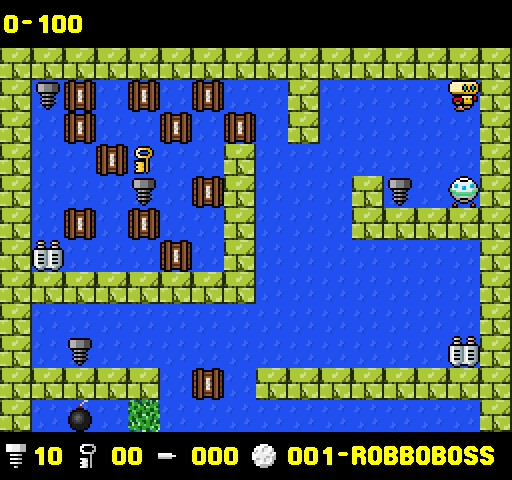
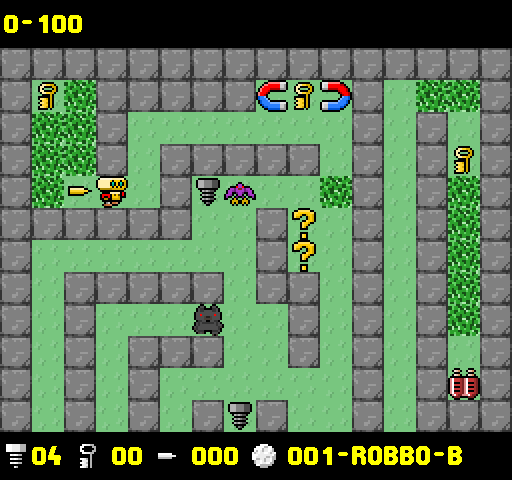
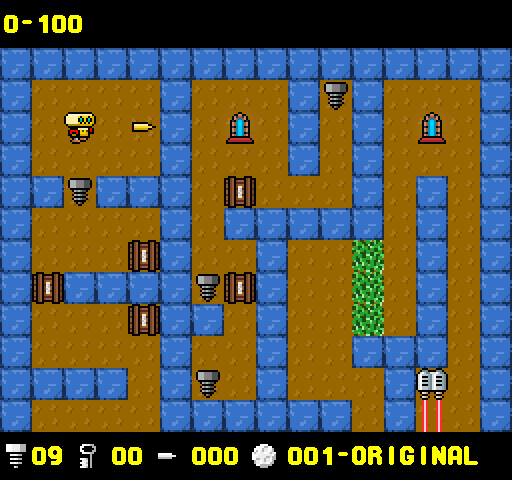
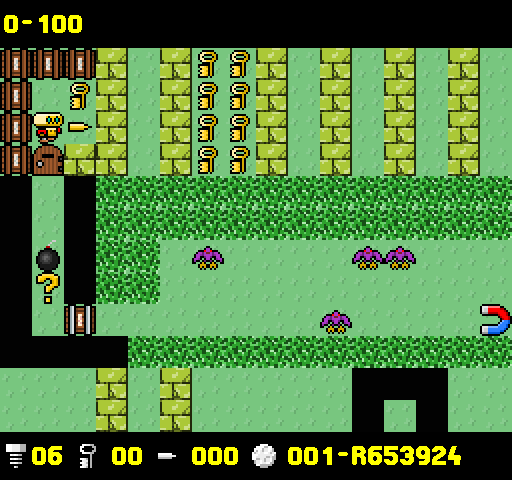
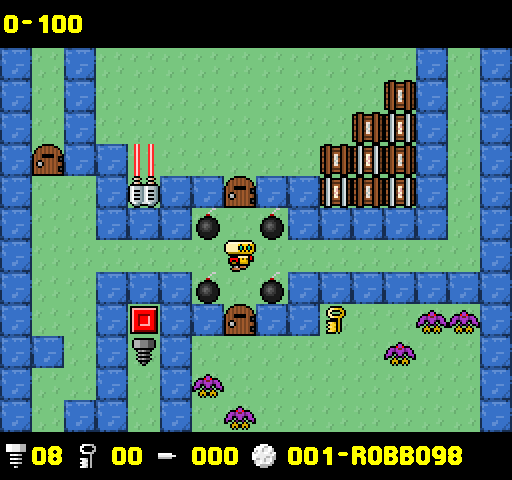
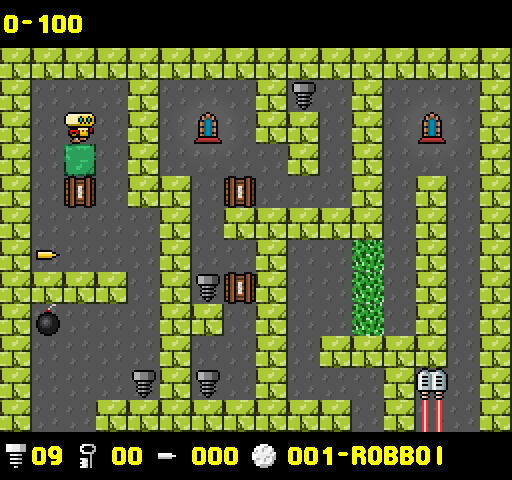
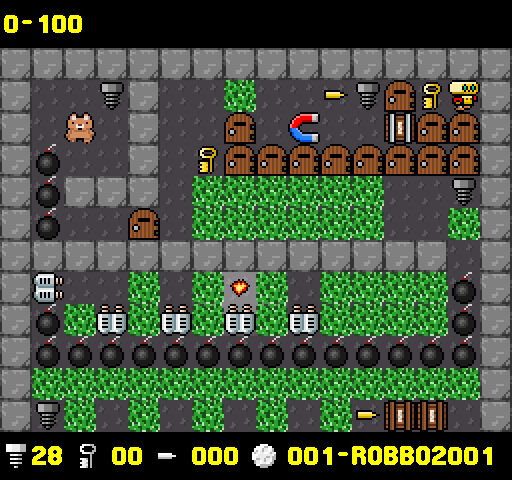
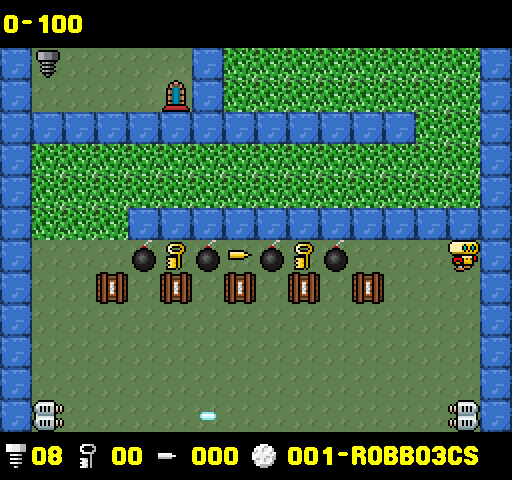
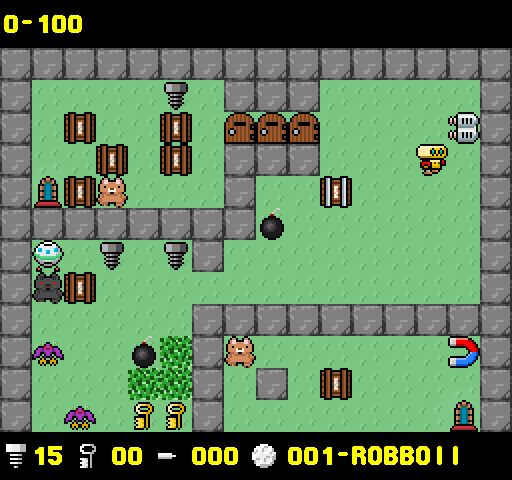
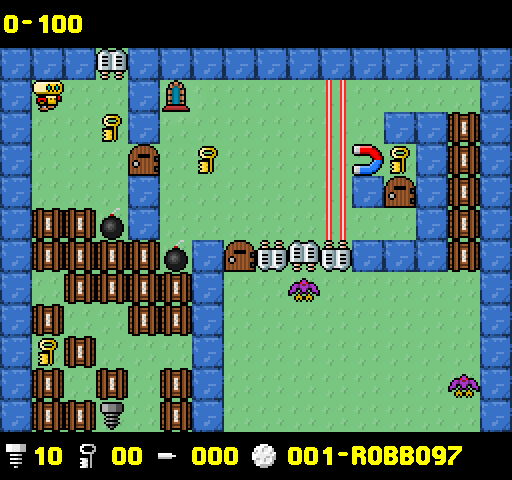
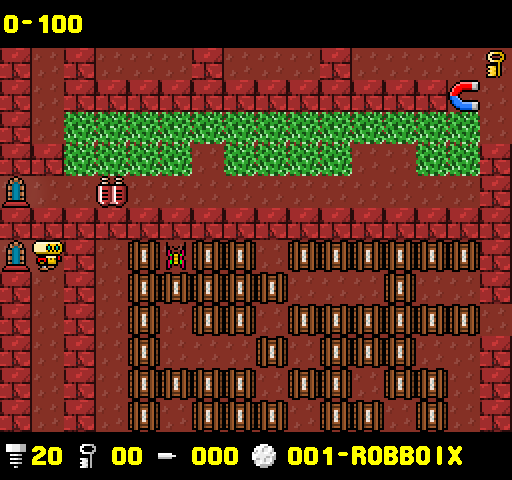
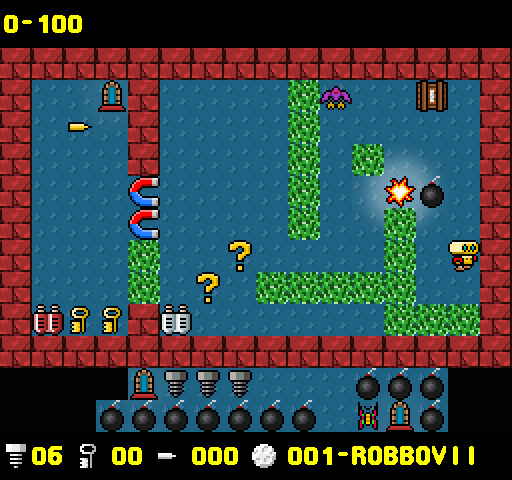
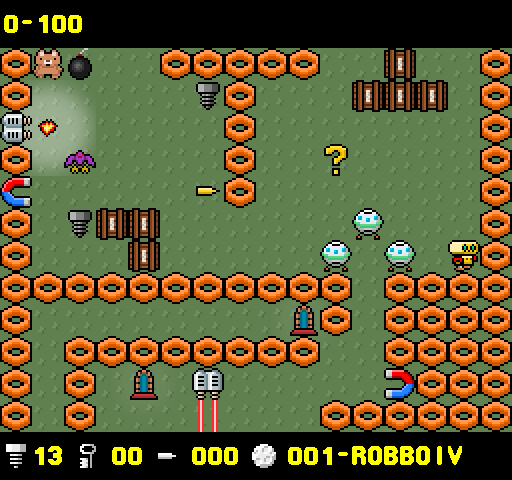
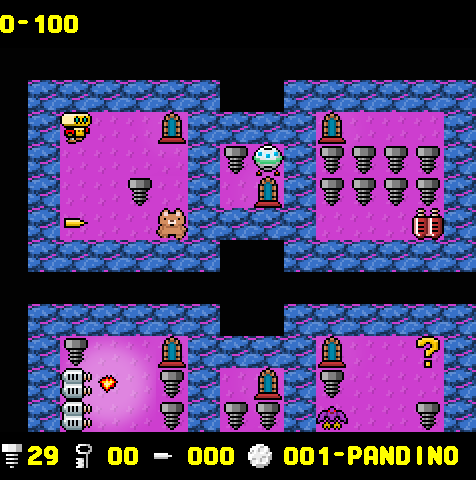
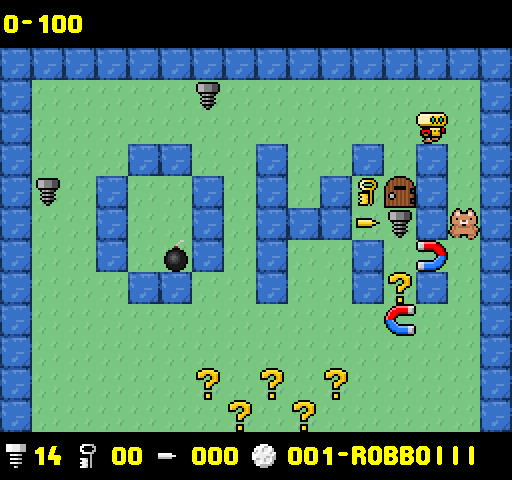
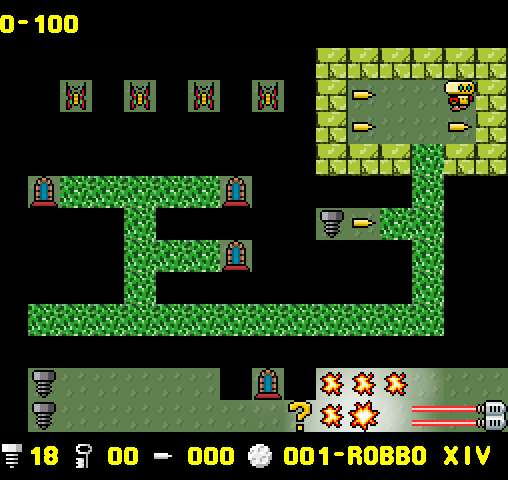
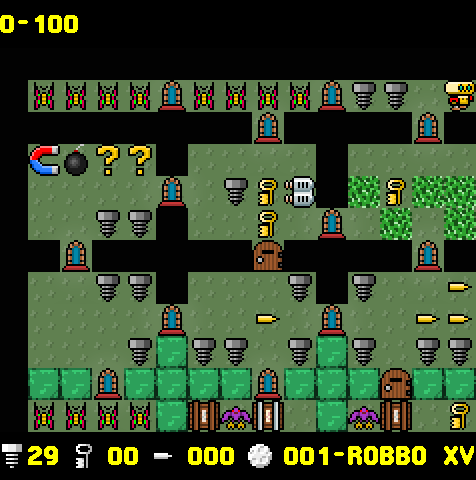
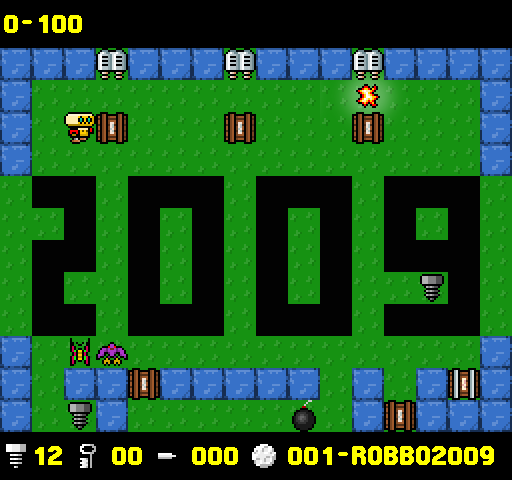
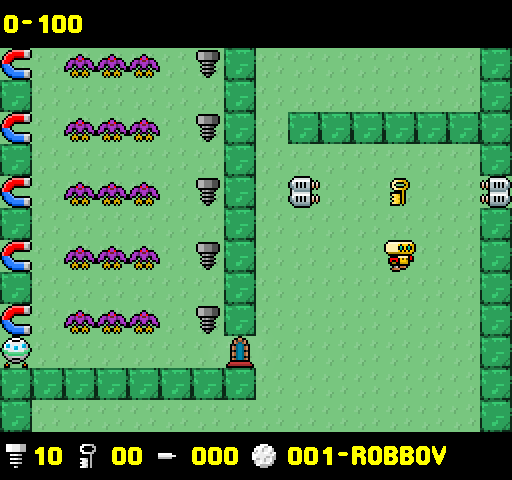
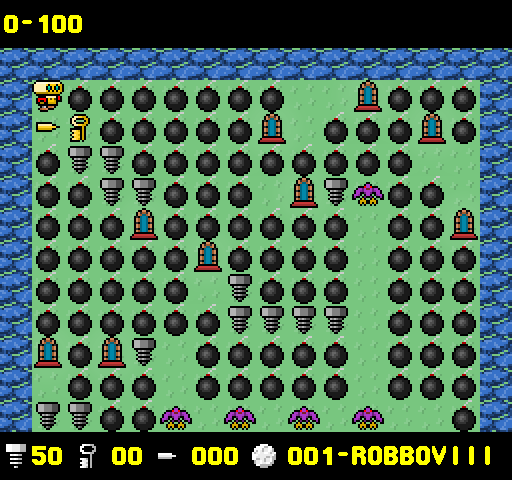
The game's design was partly inspired by Boulder Dash,[2][3] but with the gravity aspect removed. The player controls the titular little robot through a series of planets (56 in the original Atari version), each being a vertically-scrolling maze filled with various objects and obstacles. The goal of each level is to collect all bolts scattered around, and then reach a capsule that takes the hero to the next planet. On his way Robbo must avoid deadly obstacles that include moving creatures, laser turrets, and large magnets. Various items can be found, including keys that open doors, bullets that kill enemies and destroy impassable walls of rubble, crates that can be pushed, bombs that explode upon being shot, and mirrors that teleport the hero around the level.
Download
Install instructions
| Plik | Rozmiar | System |
|---|---|---|
gnurobbo_0.70-1_amd64.deb |
5,4 MB | Debian, Ubuntu, Mint, Pop!_OS |
gnurobbo-0.70-1.x86_64.rpm |
5,4 MB | Fedora, RHEL, CentOS, openSUSE |
gnurobbo-0.70-1-x86_64.pkg.tar.zst |
4,9 MB | Arch, Manjaro, Endeavour, CachyOS |
gnurobbo-0.70-r1.apk |
5,3 MB | Alpine |
gnurobbo-0.70-linux-x64.zip |
5,6 MB | Linux |
gnurobbo-0.70-windows-x64.zip |
6,6 MB | Windows x64, SDL3.dll z HIDAPI |
gnurobbo-0.70-macos.zip |
7,8 MB | macOS 11+, x86_64 i arm64 |
gnurobbo-0.70-android.apk |
6,7 MB | Android, arm64 i arm32 |
Source code: https://gitlab.com/ebit.dev/gnurobbo
Install GNU Robbo 0.70
Download the file that matches your system. Each Linux download below is a 64-bit x86 program. The installable packages do not need glibc or SDL.
gnurobbo-0.70-r1.apk is the Alpine Linux package. gnurobbo-0.70-android.apk is the phone app. They are not interchangeable.
Debian, Ubuntu, Linux Mint, Pop!_OS
File: gnurobbo_0.70-1_amd64.deb
Open a terminal in the folder that contains the file and run:
sudo apt install ./gnurobbo_0.70-1_amd64.deb
apt also installs a recommended sound daemon when one is not already present. The game appears in the menu as GNU Robbo. Remove it with:
sudo apt remove gnurobbo
Fedora, RHEL, CentOS Stream
File: gnurobbo-0.70-1.x86_64.rpm
sudo dnf install ./gnurobbo-0.70-1.x86_64.rpm
sudo dnf remove gnurobbo
openSUSE
Same RPM file:
sudo zypper install ./gnurobbo-0.70-1.x86_64.rpm
sudo zypper remove gnurobbo
Arch Linux, Manjaro, EndeavourOS, CachyOS
File: gnurobbo-0.70-1-x86_64.pkg.tar.zst
sudo pacman -U ./gnurobbo-0.70-1-x86_64.pkg.tar.zst
pipewire-pulse is an optional dependency. Install it when the game has no sound. Remove the game with:
sudo pacman -R gnurobbo
Alpine Linux
File: gnurobbo-0.70-r1.apk
The package is unsigned and it is not in an Alpine repository, so both flags are required:
sudo apk add --allow-untrusted --force-non-repository ./gnurobbo-0.70-r1.apk
sudo apk del gnurobbo
What the Linux packages install
- Program:
/usr/bin/gnurobbo - Data:
/usr/share/games/gnurobbo - Menu entry: GNU Robbo
- Default skin: dicori
- Designer levels:
~/.gnurobbo/levels - Options:
~/.gnurobborc
Sound needs a running PulseAudio or PipeWire daemon. The picture is drawn in software under X11. These packages do not include the DRM/KMS console build. Plug a joystick in before you start the game. The program reads a classic /dev/input/js* device, including a fight-stick hat.
Linux, portable zip
File: gnurobbo-0.70-linux-x64.zip
Unzip the whole folder and start ./gnurobbo from that folder. The game reads data next to the binary. Leave the files together.
The file is static. It does not need glibc or SDL libraries. Sound talks to a running PulseAudio or PipeWire daemon and stays silent when there is none. Designer levels are saved in ~/.gnurobbo/levels. Options are saved in ~/.gnurobborc. Plug a joystick in before you start.
Windows
File: gnurobbo-0.70-windows-x64.zip
64-bit Windows. Unzip the whole folder and start gnurobbo.exe from it. A double-click is enough. The game reads data next to the exe, so keep that folder intact.
- Designer levels:
%USERPROFILE%\.gnurobbo\levels - Options:
gnurobborcin%TEMP%
Sound uses the Windows audio device. With no device the game still runs and stays silent. A console window stays open so errors remain visible. A joystick can be selected in Options. Plug it in before you start.
macOS
File: gnurobbo-0.70-macos.zip
macOS 11 or newer, Apple Silicon and Intel. Unzip the whole folder and open GNU Robbo.app. The picture and the levels are inside the application.
The application is not notarized with Apple. The first time macOS blocks the download, right-click the application, choose Open, and confirm.
- Designer levels:
~/.gnurobbo/levels - Options:
~/.gnurobborc
The keyboard matches the PC keys. Sound uses the Mac audio device and stays silent when there is none. A joystick can be selected in Options. Plug it in before you start.
Android
File: gnurobbo-0.70-android.apk
Copy the APK to the phone and open it. When Android asks, allow installation from the app that opened the file. The package id is dev.ebit.gnurobbo. The build contains arm64 and arm32.
The picture is landscape. Touch the edges of the board to move, and the button on Robbo to shoot. The back key leaves the screen you are on. Designer levels and options stay in the app's private storage. Sound uses the phone's audio device and stays silent when there is none.
Keys
- Enter: confirm
- Cursors: move
- Cursors + either Shift: shoot
- R: restart
- Escape: exit
All keys can be changed in Options. A mouse can click the menus. Click the board to show the on-screen pad.
Source and bug reports: https://gitlab.com/ebit.dev/gnurobbo
Development log
- Update controlers17 hours ago
Leave a comment
Log in with itch.io to leave a comment.